

Table of Contents
- What Legal Workflow Automation Actually Does for Small Firms
- Benefit 1: Cut Overhead Costs by Up to 50%
- Benefit 2: Eliminate Manual Data Entry and Human Error
- Benefit 3: Speed Up Client Intake and Onboarding
- Benefit 4: Increase Billable Hours and Case Capacity
- Benefit 5: Strengthen Risk Management and Compliance
- Best Legal Workflow Automation Software for Small Firms
- Legal Automation Use Cases for Solo Practitioners
Last Updated: August 15, 2026
What Legal Workflow Automation Actually Does for Small Firms
Legal workflow automation uses software and systems to handle repetitive administrative tasks, client intake, document generation, billing, scheduling, and compliance tracking, without manual intervention. For small law firms and solo practitioners, it’s the difference between drowning in paperwork and actually practicing law.

Solo practitioners and small teams spend roughly 30-40% of their time on non-billable administrative work: data entry, scheduling, document generation, and chasing missing client information. Automation collapses those hours. It doesn’t replace your judgment, it eliminates the mechanical tasks that prevent you from using it.
The distinction matters: automation handles the mechanical parts, not the legal work. Client intake forms that auto-populate your case management system. Automated reminders for approaching deadlines. Document templates that pull client data automatically instead of manual retyping. These foundational efficiencies compound quickly.
Small firms often assume automation requires expensive enterprise software or complete workflow overhauls. Modern tools integrate with systems you already use, your practice management software, email, and document storage. You layer automation on top of what’s working, not rebuild around it.
Start with your biggest bottleneck. If client intake consumes 5 hours weekly, automate that first. Incremental implementation is faster and less disruptive than overhauling everything at once.
Benefit 1: Cut Overhead Costs by Up to 50%
When firms cite 50% overhead reduction, they typically refer to staffing costs, the largest expense after rent and your salary. For solo practitioners, a part-time paralegal or administrative assistant still costs $35K-$50K annually despite underutilization.

Automation doesn’t eliminate staff, it makes them dramatically more efficient. A paralegal spending 15 hours weekly on data entry and document generation can refocus that time on billable legal work, research, and client communication. For solo practitioners without staff, automation reduces your own administrative load, allowing you to take on more cases without hiring.
The 50% figure assumes you redirect labor savings into increased capacity, higher-value work, or actual headcount reduction. If you automate intake but manually re-enter data into your case management system, you’ve saved nothing. Automation only works when output flows directly into your next step without human re-handling.
The biggest mistake is automating a process without changing how you work. If automated intake forms still require manual review and re-entry, you’ve saved nothing.
Benefit 2: Eliminate Manual Data Entry and Human Error
Manual data entry is a tax on accuracy. Each time information passes through human hands, client form entry, your re-entry into case management, paralegal copying into documents, billing entry, errors multiply. Misspelled client names in filings, incorrect deadline dates, wrong billing codes create follow-up work, client confusion, compliance risk, and potential malpractice exposure.
Legal workflow automation eliminates retyping. Client information enters once through a form or intake questionnaire and flows automatically into your case management system, billing software, document templates, and email follow-ups. One source of truth. No re-entry. No transcription errors.
Firms implementing intake automation report near-zero errors in client data capture. Fewer handoffs mean fewer mistakes. For compliance-heavy practice areas, immigration, employment, securities, data accuracy is non-negotiable. Automation enforces consistency and prevents incomplete records before they happen.
Benefit 3: Speed Up Client Intake and Onboarding
Client intake typically leaks significant time. A prospect calls or emails, you send a PDF intake form, they fill it incompletely, you follow up requesting missing information, they respond days later. Three emails and four days pass before you have usable information.
Automated intake flips this workflow. A prospect completes a customized questionnaire on your website. The system asks different questions based on their answers, family law clients receive different questions than business litigation clients. Required fields are enforced, preventing incomplete submissions.
Upon submission, the system creates a case management record, sends confirmation with a case number, and alerts you. The client sees their case number immediately and can access a portal for document uploads and status checks. A three-to-four-day process compresses into minutes with data already in your system.
From the client’s perspective, onboarding feels modern and professional. From yours, you’ve eliminated manual data entry and follow-up emails. Prospects receiving responses within an hour are more likely to hire you than those waiting three days.
Benefit 4: Increase Billable Hours and Case Capacity
When you eliminate administrative busywork, you free time for billable work. A solo practitioner billing at $200-$350 per hour loses income for every hour spent on data entry. Automation doesn’t increase daily hours, but it shifts them toward billable work.
A paralegal spending 10 hours weekly on administrative tasks can redirect that time to legal work. A solo practitioner automating intake and document generation gains 5-8 hours weekly, enough to take on one or two additional cases.
If you currently bill 30 hours weekly at $250/hour ($7,500/week), automation freeing 5 billable hours adds $1,250 weekly or roughly $65,000 annually. Automation software typically costs $100-$300 monthly. The ROI is immediate.
Automation’s real benefit is redirecting freed time to income-generating work. It’s only valuable if you use those hours for billable work or client development.
Benefit 5: Strengthen Risk Management and Compliance
Compliance failures in law firms typically stem from process failures: missed deadlines, lost documents, undetected conflicts, billing errors, confidentiality breaches. Automation prevents these by making processes consistent and auditable.
Automated deadline tracking prevents missed filings, the system reminds you, escalates if necessary, and logs the reminder. Centralized document management creates a single source of truth with access controls and audit trails. Automated conflict checking screens new clients against your entire database before onboarding.
For compliance-heavy practice areas, automation enforces required steps and prevents skipped procedures. The audit trail protects you: if a client disputes a deadline, you have records showing when reminders were sent and filings submitted.
Cloud-based practice management systems include encryption, access controls, and backup systems that most small firms can’t build independently. Client data is more secure in dedicated legal software than in email, shared drives, or local storage.
Best Legal Workflow Automation Software for Small Firms
Bluebook Helpers: Virtual Staffing for Intake and Document Preparation
Bluebook Helpers provides dedicated virtual staff trained in legal operations to handle intake, document preparation, scheduling, and administrative work. A virtual paralegal or administrative professional becomes familiar with your practice and processes, handling work 24/7 without hiring, training, or managing directly.
Virtual staffing costs 70% less than hiring a local paralegal or administrative assistant, with no benefits or payroll overhead. There’s no commitment, if the fit isn’t right, Bluebook Helpers replaces the person at no extra cost.
The advantage over pure software automation is flexibility. Virtual staff handle exceptions, make judgment calls, and adapt to your workflow. For solo practitioners lacking bandwidth to configure complex automation, this is simpler than building a tech stack.

Clio: All-in-One Practice Management
Clio is the market leader for small-firm practice management, handling case management, time tracking, billing, client communication, and document automation in a single platform. It connects with over 250 apps, including Zapier, enabling custom automations without coding.
Clio’s document automation is solid for simple documents, engagement letters, retainer agreements, standard pleadings. For complex, conditional documents with branching logic, specialized tools like Gavel or HotDocs work better.
Pricing for Clio starts at $49/user/month when billed annually. The learning curve is moderate, designed for lawyers with legal terminology and workflows.
Best for: Solo practitioners and small firms wanting a single platform for practice management, billing, and basic automation.
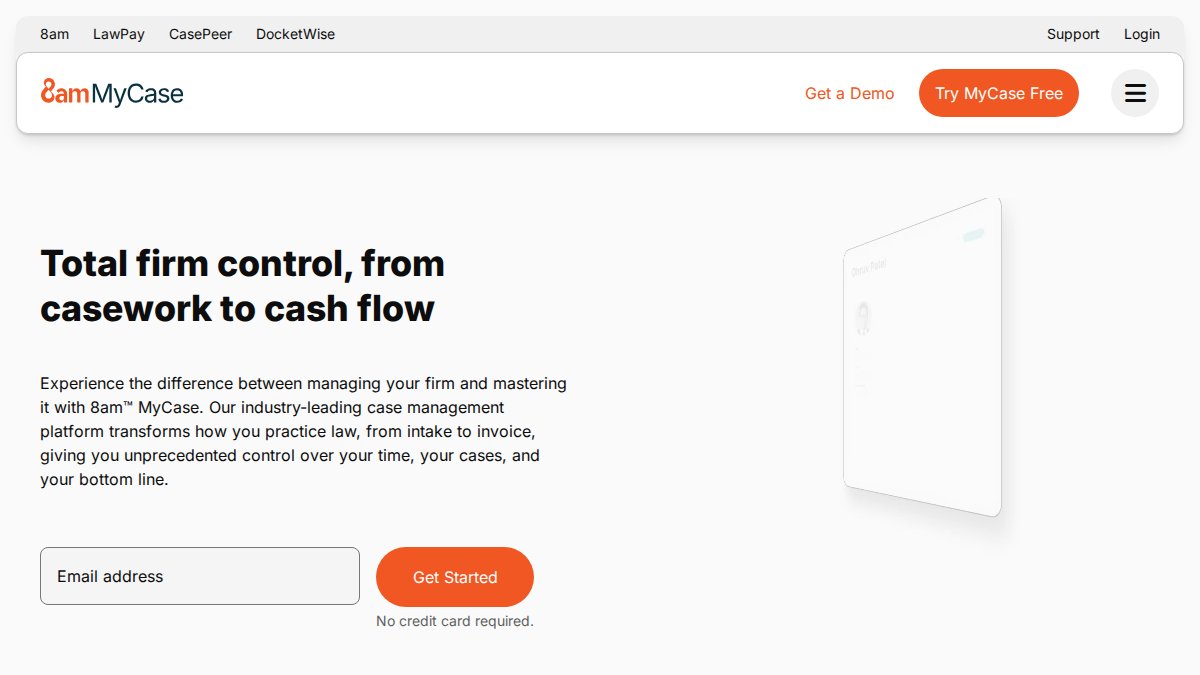
MyCase: Affordable Client Communication
MyCase resembles Clio but emphasizes client communication with a client portal, two-way texting, and integrated document sharing. Automation features are comparable to Clio, with an included accounting add-on for billing and expenses management.
Pricing for MyCase starts at $50/user/month when billed annually. Client communication features are included in the base plan, whereas Clio requires higher tiers.
Best for: Small firms prioritizing client communication and reducing email friction.
Lawmatics: Client Intake Automation
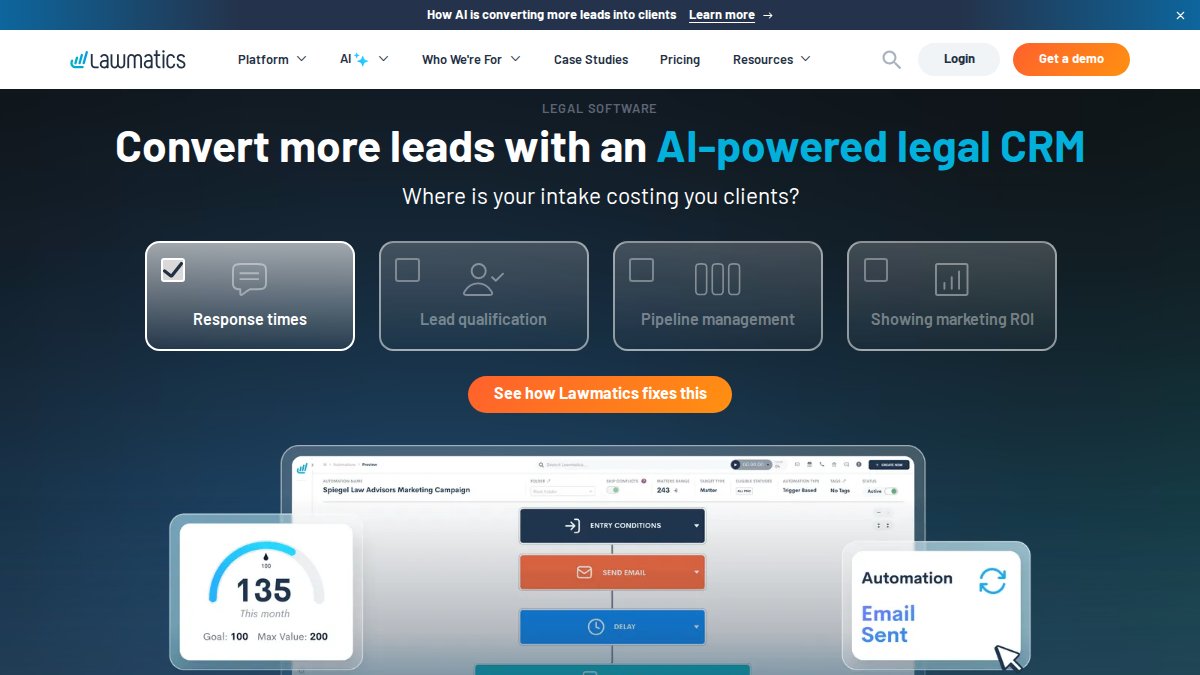
Lawmatics specializes in client intake and marketing automation. It’s not a full practice management system, you still need Clio or MyCase for case management and billing, but for intake specifically, Lawmatics is most powerful.
The intake questionnaire builder asks different questions based on client answers, enforces required fields, and can auto-qualify or disqualify prospects. The system sends automated follow-ups, nurtures unready leads, and routes qualified prospects directly to you. It also includes document automation, CRM, and marketing automation.
Pricing for Lawmatics requires contacting them for a custom quote. Expect pricing to be in the range of $199-$500/month for small firms, with additional costs for SMS and MMS. An onboarding fee may also apply.
Best for: Firms systematizing intake and client development as a coordinated process.
Zapier: Custom Workflow Automation
Zapier connects 6,000+ apps, enabling custom automations for existing tech stacks. A prospect fills out a website form (Typeform), Zapier creates a CRM contact (HubSpot), generates an intake document (Google Docs), sends a confirmation email, and creates a task (Asana), all automatically.
Zapier’s strength is flexibility; its downside is setup complexity. You need to understand your apps and build automations step-by-step.
Pricing for Zapier starts at $19.99/month for the Starter plan when billed annually. Most small firms need only the Starter plan.
Best for: Tech-savvy solo practitioners or firms with existing software they want to integrate.
Legal Automation Use Cases for Solo Practitioners
Solo practitioners are the bottleneck, no team to delegate to, no paralegal budget. Automation is your only lever for increasing capacity without hiring.
Client Intake Automation: Prospects fill online forms; the system creates case management records, sends confirmations, and alerts you. This saves 3-5 hours weekly for practitioners handling 10+ inquiries monthly.
Automated Deadline Tracking: Your case management system generates reminders 2 weeks, 1 week, and 3 days before deadlines. You can’t miss deadlines, preventing malpractice and eliminating mental load.
Document Generation from Templates: Build templates for engagement letters, retainer agreements, discovery requests, and demand letters. Auto-population from client data reduces 30-minute drafting to 2 minutes. For 5-10 weekly documents, this saves 10+ hours.
Automated Billing and Time Tracking: Activities logged in case management automatically track time and associate with correct matters and billing codes. Monthly invoices generate automatically with no manual entry or errors.
Email Automation and Follow-ups: Automated sequences welcome new clients, remind about discovery deadlines, and request referrals after case closure, all without manual emails.
Conflict Checking: Integrate your CRM with conflict databases. New prospects automatically check against past clients and opposing parties, flagging conflicts before case opening.
Client Portal: Secure portals let clients upload documents, check status, and communicate centrally, reducing email chains and keeping clients informed.
Implementing these incrementally shifts your time from 40% administrative to 15-20%, freeing billable and business development time. Start with your biggest time drain, usually intake or document generation, then add subsequent automations over six months.
The gap between thriving and struggling small firms often comes down to operations. Firms automating intake, documents, deadlines, and billing free time to practice law, take on more cases, serve clients better, and grow without proportional cost increases.
For solo practitioners and small firms, legal workflow automation is not a luxury, it’s the difference between sustainability and burnout. Book a consultation with Bluebook Helpers to discuss how virtual staffing can handle your intake and administrative work, freeing you to focus on what you do best.
Frequently Asked Questions
What is legal workflow automation and how does it differ from general business automation?
Legal workflow automation uses software to handle repetitive administrative tasks specific to law firms: client intake forms, document generation, deadline reminders, time tracking, and billing. Unlike general business automation, legal automation must maintain confidentiality, comply with bar association rules, and preserve attorney-client privilege. For example, an automated intake form can capture client information, populate documents, and send secure follow-ups, all while keeping sensitive case data encrypted and access-controlled.
How can solo practitioners implement legal workflow automation without rebuilding their entire intake process?
Start by identifying one bottleneck, such as repetitive client intake questions or document prep delays. Use tools like Zapier to connect your existing software (email, case management, document storage) without replacing them. Lawmatics and Clio both offer templates designed for solo practices that integrate with your current workflow. Most platforms provide hands-on training and support to ensure your staff understands the new process, so you're not managing changes alone.
Is legal workflow automation expensive for a small firm with limited budget?
Costs vary widely. Zapier starts at $19.99/month and works with software you already own. Clio and MyCase start around $49-50/user/month. The key is ROI: if automation saves you 5-10 billable hours per week, that covers the software cost immediately. Bluebook Helpers offers an alternative approach, outsourcing administrative work to trained virtual staff at 70% less cost than local hires, which can reduce overhead by 50% overall. Start with one tool and expand as you see results.
What legal processes should a small firm automate first?
Prioritize high-volume, repetitive tasks: client intake (intake forms, initial questionnaires), document generation (contracts, standard pleadings), deadline reminders, and time entry. These create the biggest bottlenecks and deliver fastest ROI. Avoid automating complex legal judgment calls, those still need attorney review. Once intake and document prep are running smoothly, expand to billing reminders, client portal notifications, and task delegation to support staff.

