

Table of Contents
- Why Simplified Payroll and Benefits Management Matters for Law Firms
- How to Automate Payroll Processing Without Disrupting Operations
- Top Solutions for Simplified Payroll and Benefits Management
- HR Automation Best Practices for Legal Practices
- Automated Payroll Software for Small Business: What to Look For
- Implementation Roadmap for Non-Technical HR Teams
- Security and Compliance Audit Checklist
- Conclusion
Last Updated: August 10, 2026
Why Simplified Payroll and Benefits Management Matters for Law Firms
Most law firms waste 10-15 hours weekly on manual payroll processing, tax compliance, and benefits administration, work that pulls partners and operations managers away from billable work. One mistake creates liability exposure and erodes client confidence.
At Bluebook Helpers, we’ve worked with hundreds of law firms facing this problem. The firms that scaled fastest eliminated administrative friction by automating payroll and benefits workflows. When you remove manual processing, you gain three immediate wins: reduced overhead costs, fewer compliance errors, and freed-up capacity for client service.
Below, we’ll show you how to evaluate and implement simplified payroll and benefits management solutions, plus share a detailed security and compliance checklist for legal practices.
How to Automate Payroll Processing Without Disrupting Operations
The best approach is incremental: identify your highest-friction processes first, then layer in automation that integrates with what you already use.

Start with these three high-impact automations:
1. Direct Deposit and Tax Filing
Automated payroll platforms calculate federal, state, and local withholdings, file taxes on schedule, and deposit funds directly. This eliminates 3-4 hours of monthly work and reduces filing errors. Most platforms sync with your accounting software, so payroll data flows directly into your general ledger.
2. Employee Self-Service Portals
When employees access pay stubs, update tax information, and enroll in benefits without contacting your operations team, you eliminate an entire category of administrative requests while reducing data entry errors.
3. Benefits Administration Integration
Connect payroll to your benefits system so enrollment changes, premium deductions, and coverage updates sync automatically, eliminating manual updates each time someone changes their health insurance election.
The key to smooth implementation is choosing a platform with API integration to your existing systems. Verify that your payroll platform connects to your practice management software, time tracking tools, and accounting systems to prevent the "data entry in two places" trap.
Top Solutions for Simplified Payroll and Benefits Management
Bluebook Helpers: Virtual Staffing With Integrated Payroll Support
Bluebook Helpers pairs expert legal operations staff with integrated payroll and benefits management. We recruit, vet, and train virtual paralegals and operations specialists specifically for law firms, then handle all payroll, benefits administration, performance monitoring, and staff replacement.
Key advantages for law firms:
- Staff cost 70% less than local equivalents
- 24/7 availability for immediate issue resolution
- Hands-on training tailored to your firm’s specific software stack
- Continuous performance monitoring with staff replacement at no extra cost
Bluebook Helpers handles staff recruitment, onboarding, payroll processing, and performance management as a bundled service. You don’t manage the virtual employee, we do.
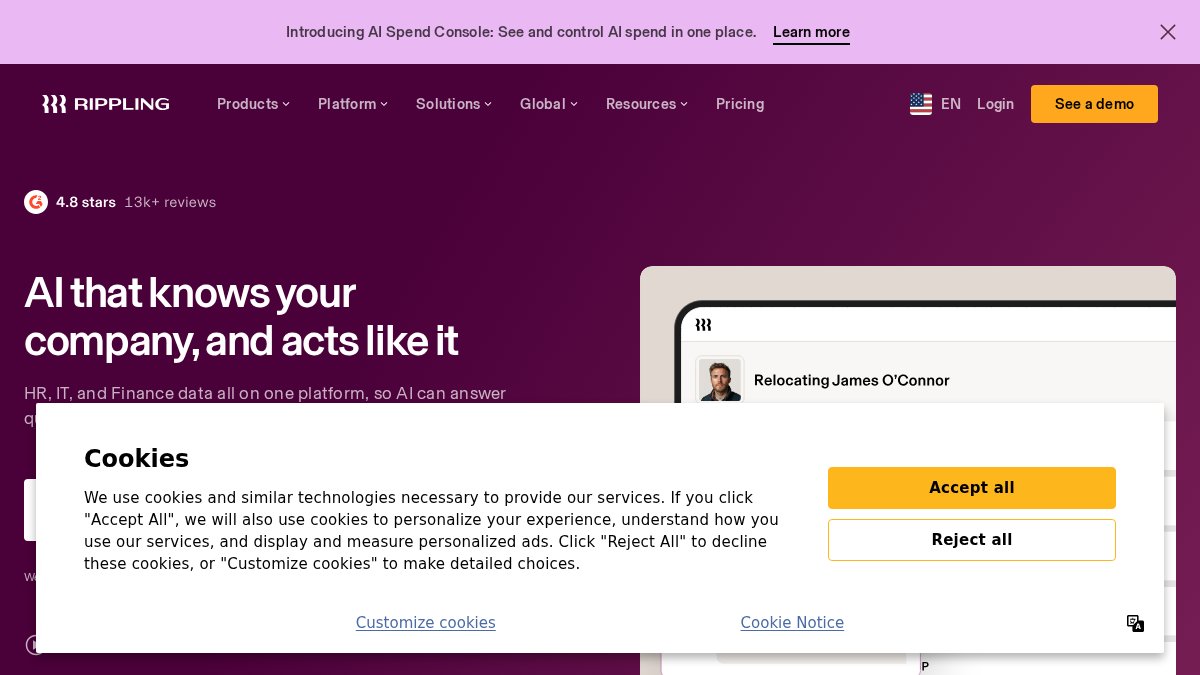
Rippling: Unified Platform for Multi-State Operations
Rippling consolidates HR, IT, and finance into a single system, ideal for law firms with multiple office locations or distributed teams. The platform manages payroll across all 50 states and handles benefits administration and compliance workflows.
Key features:
- Global payroll for 185+ countries and multi-state payroll at no extra cost per state
- Visual workflow automation eliminates repetitive tasks
- 650+ bi-directional integrations connect to practice management software and accounting systems
- Unlimited off-cycle payroll runs for contractor payments or bonuses
Best for: Firms with 20+ employees across multiple states wanting a unified system for HR, payroll, and benefits.
Gusto: User-Friendly Payroll and Benefits for Small Firms
Gusto prioritizes simplicity and transparent pricing. Setup takes under 30 minutes, and the interface is designed for non-technical users.
What works:
- Full-service payroll with automated tax filings and direct deposit
- Employee benefits administration including health insurance, 401(k), and HSA options
- Built-in time tracking and PTO management
- Contractor payments and 1099 filing
Best for: Solo practitioners and small firms (under 10 employees) needing straightforward payroll and benefits.
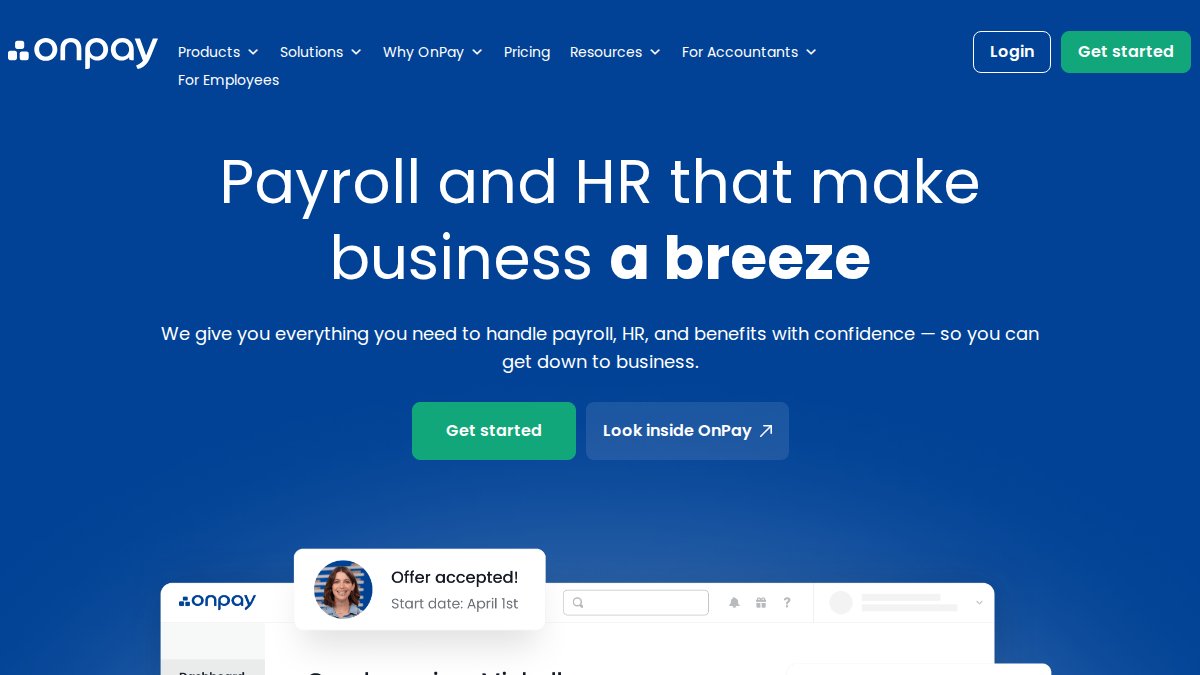
OnPay: Transparent Pricing With Multi-State Payroll
OnPay offers straightforward payroll with optional HR add-ons, focusing on transparent pricing and multi-state capability included at no extra cost.
Key strengths:
- Full-service multi-state payroll with unlimited pay runs
- Automated federal, state, and local tax filings
- Simple, transparent pricing structure
- Free first month and free setup/migration
- Guaranteed tax accuracy
Best for: Small to mid-sized firms operating across multiple states wanting straightforward payroll without surprise fees.
ADP Run: Scalable Solution for Growing Practices
ADP Run is the enterprise-grade option for firms planning significant growth. It scales from 5 employees to 500+ and offers customizable payroll processing with optional HR and benefits add-ons.
Why it matters for law firms: ADP’s general ledger interfaces integrate directly with accounting software, so payroll data flows automatically into your financial statements.
Key features:
- Automated payroll processing with direct deposit
- Automatic calculation, deduction, payment, and filing of payroll taxes
- General ledger interfaces for seamless accounting integration
- Optional add-ons for benefits, time tracking, and expense management
- 24/7 payroll support
Best for: Growing law firms (20+ employees) needing scalability and deep accounting integration.
HR Automation Best Practices for Legal Practices
1. Map Your Current Workflows Before Implementing
Document exactly how payroll and benefits currently flow through your firm. Who approves timesheets? When do benefit changes happen? This prevents automating broken processes.
2. Use Data Synchronization to Eliminate Duplicate Entry
Choose a platform with strong API integration so data flows one direction: from source to payroll to accounting. This eliminates the errors that creep in with manual syncing.
3. Establish Clear Audit Trails
Your payroll system should log every change, who made it, when, and why. This audit trail protects you if a tax authority questions a filing or an employee disputes their pay.
4. Automate Compliance Monitoring
Set up alerts for critical dates: tax filing deadlines, benefits enrollment windows, W-2 generation dates. Your payroll platform should flag these automatically.
The firms that see the biggest ROI from payroll automation eliminate manual data entry by connecting their systems and training their team on new workflows.
Automated Payroll Software for Small Business: What to Look For
When evaluating automated payroll software for small business, focus on these criteria:
1. Integration Capabilities
Can the platform connect to your practice management software, time tracking tool, and accounting system? Verify that integrations are bi-directional.
2. Multi-State Compliance
If your firm has employees outside your home state, the platform must handle multi-state withholding, filing, and unemployment insurance correctly and file on time.
3. Employee Self-Service
Can employees access pay stubs, update tax information, and enroll in benefits without contacting HR? This reduces administrative overhead by 20-30%.
4. Benefits Administration
Look for platforms that integrate health insurance, 401(k), and HSA administration. If these are separate systems, you’re back to manual data entry.
5. Real-Time Reporting
You should pull payroll reports, tax liability reports, and benefits use reports on demand for accurate cash flow forecasting.
6. Scalability
Choose a platform that grows with your firm without significant reconfiguration or increased per-employee costs.
7. Security and Compliance Features
Verify that the platform uses encryption, requires single sign-on, maintains audit trails, and complies with relevant data protection standards.
Many firms choose payroll software based solely on price, then spend months dealing with integration headaches. The cheapest option often costs the most in hidden overhead. Prioritize integration and compliance over price alone.
Implementation Roadmap for Non-Technical HR Teams

Phase 1: Planning (Week 1-2)
- Document your current payroll process end-to-end
- List all systems that touch payroll data
- Identify critical dates (payroll cycles, tax filing deadlines, benefits enrollment windows)
- Create a list of reports your accountant and partners need monthly
- Assign one person as the implementation lead
Phase 2: Setup (Week 3-4)
- Import employee data into the new platform
- Configure payroll schedules, tax settings, and benefits plans
- Set up integrations with your other systems
- Create test payroll runs to verify calculations
- Train your team on the new interface
Phase 3: Parallel Run (Week 5-6)
- Run payroll in both the old and new system simultaneously
- Compare results to verify accuracy
- Fix any discrepancies before going live
Phase 4: Go Live (Week 7)
- Process your first live payroll in the new system
- Verify that direct deposits post correctly
- Confirm that payroll data syncs to accounting software
Phase 5: Optimization (Week 8+)
- Monitor for any issues
- Gather feedback from your team
- Adjust workflows based on what you’ve learned
- Document your new processes
Key success factor: Assign one person to own the implementation. They become the expert on your new system, train others, and troubleshoot issues.
Security and Compliance Audit Checklist
For law firms, security and compliance are non-negotiable. Before going live with any payroll or benefits platform, run through this checklist:
Data Security
- Platform uses encryption for data in transit and at rest
- Single sign-on (SSO) is available and configured
- Multi-factor authentication (MFA) is enabled for all admin accounts
- User access is role-based
- Audit logs track all data access and changes
- Platform complies with SOC 2 Type II standards
Compliance and Regulatory
- Platform files all required federal, state, and local payroll taxes on time
- W-2 and 1099 generation is accurate and timely
- Benefits administration complies with ERISA requirements
- Platform maintains records for the required retention period (3-7 years)
- Vendor agreement includes data breach notification requirements
- Vendor has cyber liability insurance
Operational
- You have a documented backup and disaster recovery plan
- Payroll data is backed up daily
- Process exists for revoking access when employees leave
- Your team has been trained on the new system
- You have vendor support contact information
- You’ve documented your payroll workflows
Legal Firm Specific
- Platform can track trust account deposits and withdrawals separately from operational payroll
- Client billing data is completely separate from employee payroll
- Platform supports attorney timekeeping if your firm bills by the hour
- Confidentiality agreements are in place with any vendor staff accessing your data
Run this checklist before implementation and again after going live.
Conclusion
Payroll and benefits management doesn’t have to be a source of constant stress. The right combination of simplified payroll and benefits management software and dedicated support eliminates manual work, reduces errors, and frees your team to focus on client service.
The firms that see the biggest impact eliminate manual data entry through integration, establish clear processes and audit trails for compliance, and invest in training their team. Start with a clear audit of your current workflows, choose a platform that integrates with your existing systems, and implement in phases to minimize disruption. For law firms looking to offload payroll and benefits administration entirely while gaining operational capacity, Bluebook Helpers offers specialized virtual staffing trained in legal operations, with integrated payroll support and 24/7 availability. Book a consultation to see how we can help your firm reduce overhead by up to 50% while improving compliance and responsiveness.
| Solution | Best For | Key Strength | Integration |
|---|---|---|---|
| Bluebook Helpers | Firms wanting full outsourcing + payroll | Dedicated legal ops staff + payroll management | Works with your existing systems |
| Rippling | Multi-state, multi-office firms | Unified HR, IT, Finance platform | 650+ integrations |
| Gusto | Solo practitioners & small firms | User-friendly, transparent pricing | Practice management + accounting |
| OnPay | Multi-state firms wanting simplicity | Transparent pricing, included multi-state | Time tracking + accounting |
| ADP Run | Growing firms needing scalability | Enterprise-grade customization | Deep accounting integration |
Frequently Asked Questions
What features should I look for in an automated payroll and benefits system?
Look for multi-state tax filing automation, direct deposit capabilities, benefits enrollment integration, and real-time reporting. The system should sync with your existing accounting software and provide audit trails for compliance. For law firms specifically, verify that the platform handles attorney billing codes and integrates with practice management software. Check whether it offers employee self-service portals to reduce administrative overhead and supports both W-2 employees and 1099 contractors.
How does payroll automation reduce administrative burden?
Automated payroll eliminates manual data entry, reducing errors and the time spent on tax calculations and filings. The system automatically calculates withholdings, generates payroll reports, and files federal, state, and local taxes on your behalf. For law firms, this frees staff to focus on client work instead of administrative tasks. Automated workflows also trigger benefits deductions and direct deposit processing without human intervention, typically cutting payroll processing time by 80% or more.
Are cloud-based payroll systems compliant with IRS and DOL regulations?
Yes, reputable cloud-based payroll systems maintain compliance with IRS and Department of Labor regulations, including Form 941 filing, wage and hour requirements, and state tax obligations. However, compliance is your responsibility. Verify that your chosen platform is certified for multi-state payroll and offers audit trails documenting all tax filings. Request documentation of their compliance certifications and data security protocols before implementation. Regular audits of your payroll reports ensure ongoing compliance.
How can I ensure my remote payroll team doesn't lose client documents or violate confidentiality?
Implement a security audit checklist covering data encryption, role-based access controls, and single sign-on authentication. Require staff to sign confidentiality agreements and conduct background checks. Use platforms with audit trails that log every document access and change. Ensure your virtual staffing provider, like Bluebook Helpers, offers continuous monitoring and staff vetting specifically for legal work. Store sensitive documents in secure cloud environments with restricted access, and establish clear protocols for document handling and destruction.
What is the total cost of ownership for payroll automation beyond subscription fees?
Beyond monthly software fees, factor in implementation and training costs, which typically range from a few hundred to several thousand dollars depending on complexity. Include staff time for data migration and system configuration. Some platforms charge extra for multi-state payroll, benefits administration, or time tracking modules. Compare total annual costs across vendors, not just per-employee pricing. For law firms using virtual staffing like Bluebook Helpers, payroll simplification is often included, reducing your total cost compared to hiring local staff.

